the collection
a harbor for the things I love to build
Apps and tools I can't stop making, all docked in one place.
See what I've builta harbor for the things I love to build
Apps and tools I can't stop making, all docked in one place.
See what I've builtthe collection
A macOS menu bar app for capturing, annotating and sharing screenshots with AI assistants.
Visit projectScreenshots go to an AI dozens of times a day. Capturing in one app, marking it up in another, then uploading and pasting a link breaks your flow every time, and an image with no marks on it leaves you describing the problem in words, which is slow and imprecise.
Clik is built so you never leave your context to get a screenshot across. The cost it targets is that each app switch breaks flow. It stays small on purpose, with no design tool, no drawing app, no video or GIF capture and no cloud storage for canvases.
Afterwards the screenshot you send already carries your arrows and numbers, and you never open a second app to get it there. The same image works in Slack, Discord and GitHub issues. Clik is for developers and small Mac teams on Apple Silicon, not for designers, Windows or Linux users.


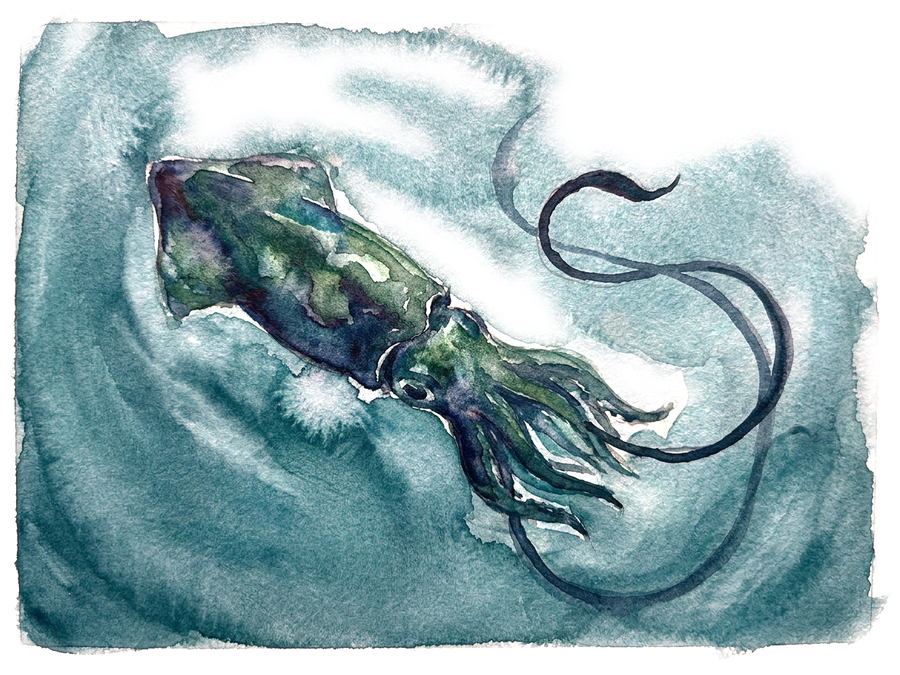
An AI agent for BOOX e-ink tablets: write with the stylus, get the answer back in handwritten ink.

A web reader for EPUB books with AI translation, a chat assistant and shareable quote images.
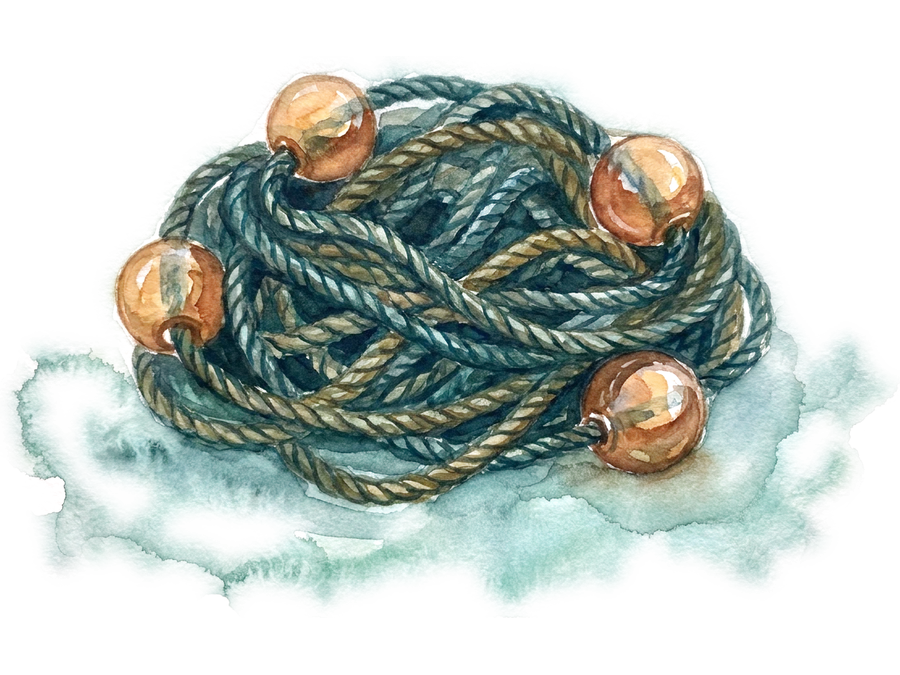
A web app for thinking in cards: arrange ideas on a canvas and connect them with typed arrows.